Task Lists - Physical to Digital
22 May 2026 Posted in:process experiment documentation tips tools writing A quick one today on how I manage my task list each day and the tools I use for doing so.
For years I have used Slack to manage my working life. If you click a single message you can select “remind me later” and select a date and time. I use this religiously, scheduling out reminders for particular times and dates. If I need to follow up on a thing, it gets a date. If I need more time to reply to a message, it gets a date. You can also schedule reminders for yourself separate from messages. So, if I have an overarching task, it gets a date and reminder. It’s not uncommon for me to open slack and get 10 notifications at 9:00 AM that tell me what I am supposed to be doing for the day. Here’s a glimpse at my reminders for today:
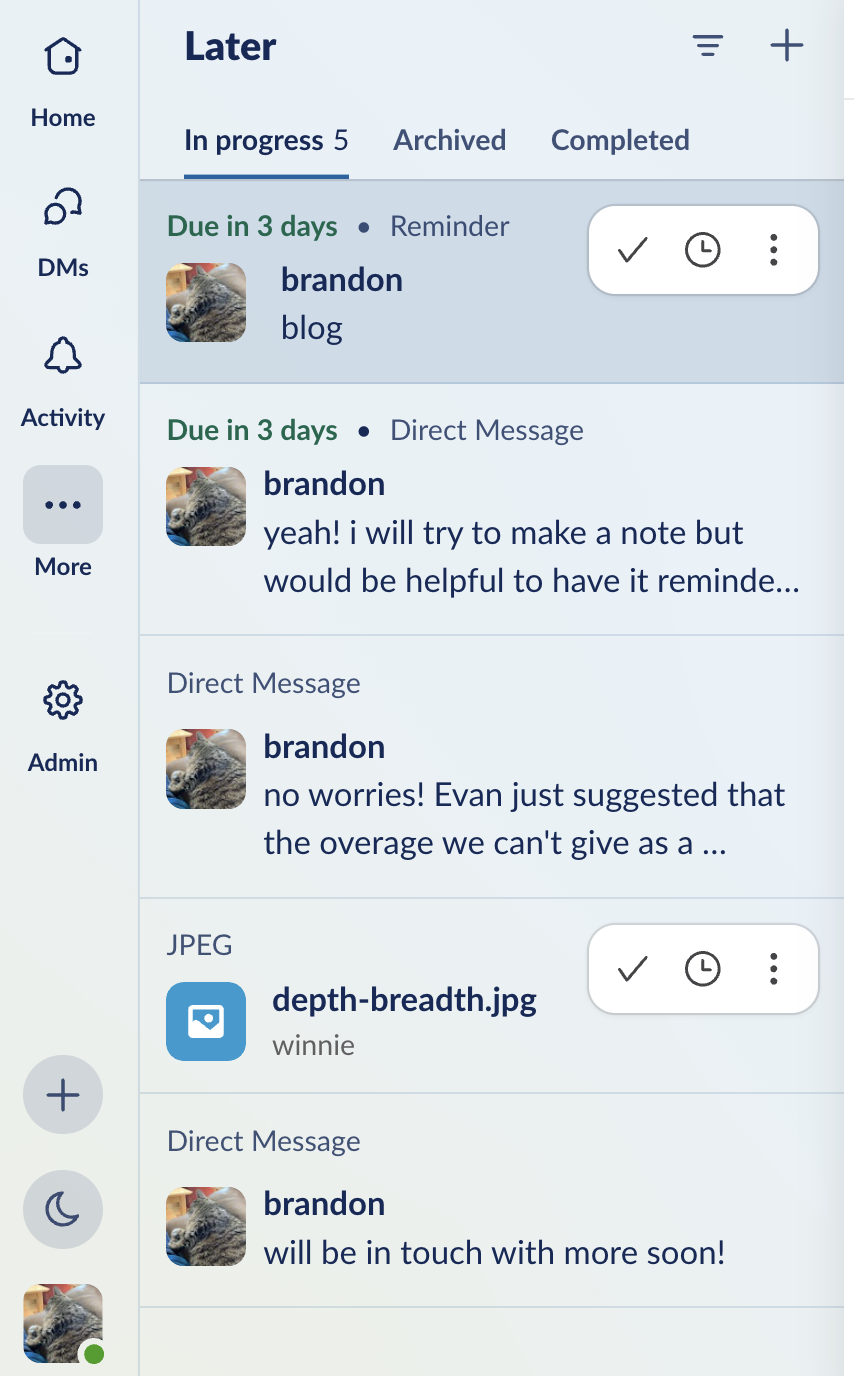
This system has worked well for years. I rarely let anything slip, because I just file everything away as a reminder and snooze if necessary. But Slack recently changed how their reminders work. DISASTER. I can’t fully grasp how to reset the way it manages this system, but now it seems to be giving me double alerts for these notifications in a way that collapses them with DMs. It’s deeply irritating. While I’m sure I could figure a workaround, I decided it was time to disentangle this particular tool from my daily task management.
So, I’m experimenting with a physical notebook for the first time in at least a decade. Here’s my daily notebook for today:
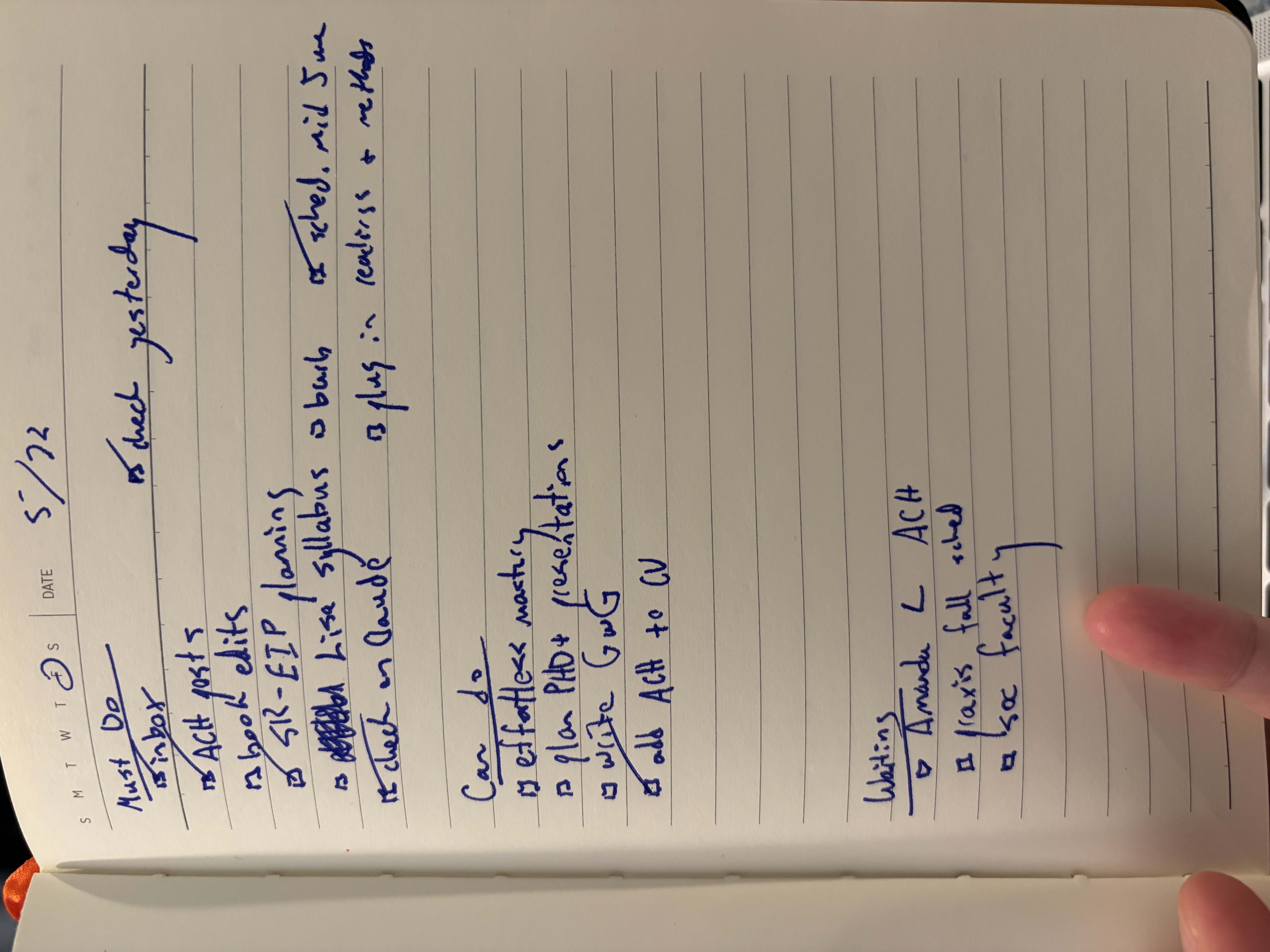
I’ve tried such things in the past but never stuck with them for long, but this run seems to be sticking. In part, I think this is because of how I’ve made working with the notebook part of a daily ritual. Each day’s page is broken into three segments: must do, can do, and waiting. I start each day by looking at the previous day by looking at the previous page to see what needs to be moved over. I’ll then check my inbox and shuffle things around based on how answering email goes. This process gives me a sense of things that are urgent and those tasks that require actions from other people. I typically close out each work day by referring to the page once more and updating things. This process is helped along by the fact that I have found a particular set of pens that are deeply, unironically joyful to use. Working with them provides a meditative tactile sensation that grounds my start and end to each day.
Sharing all this is a tad embarrassing. I have discovered writing in a journal! I have terrible handwriting! Pens are nice! But I can’t emphasize enough what a shift this has been for my working life. It’s brought an embodied ritual to each day that I didn’t have before, and I’ve found it surprising how much energy can come from shifting this foundational part of my working rhythm. So, if you’re feeling stuck, it’s never too late to change. Your process can always find new shape if you give it new tools.